
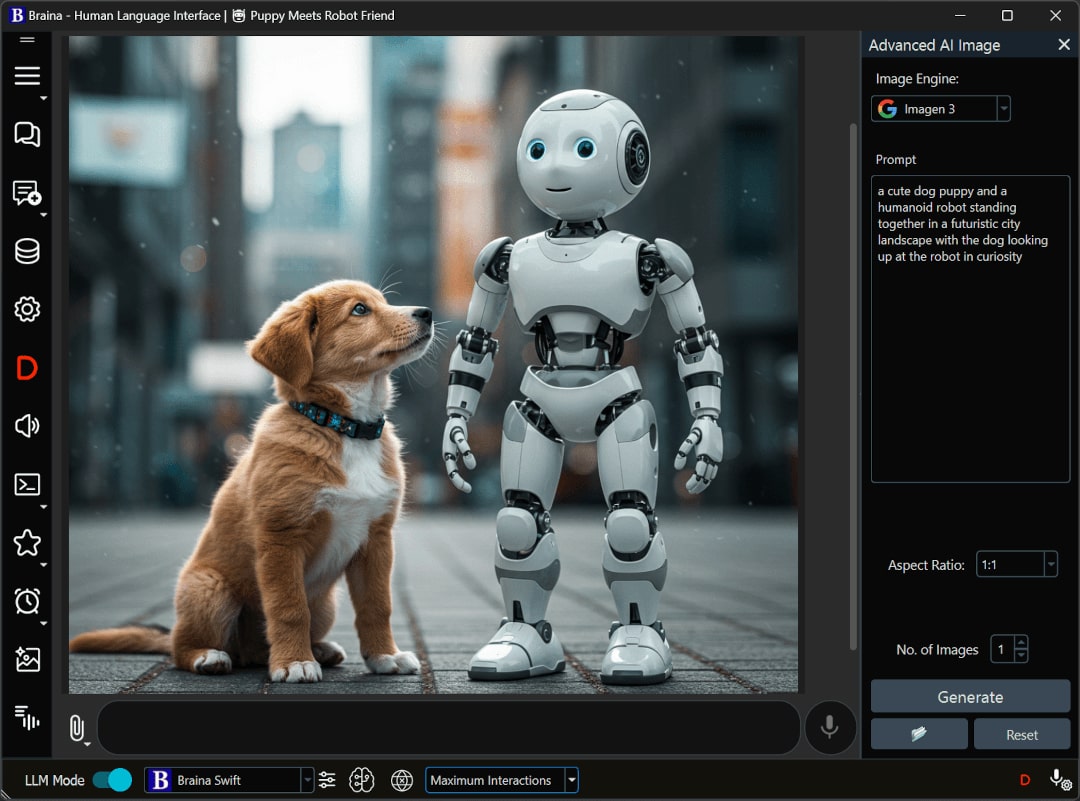
Braina’s advanced AI image feature allows you to generate AI images using various generative AI models like Flux Pro, PicturaPerfect, OpenAI’s Dall-E 3, Stable diffusion etc.
Type or say “Create image” in Braina or press Ctrl+Shift+I to open Advanced AI Image generator. You can also directly give voice commands, for e.g., “Create an image of cute cat”
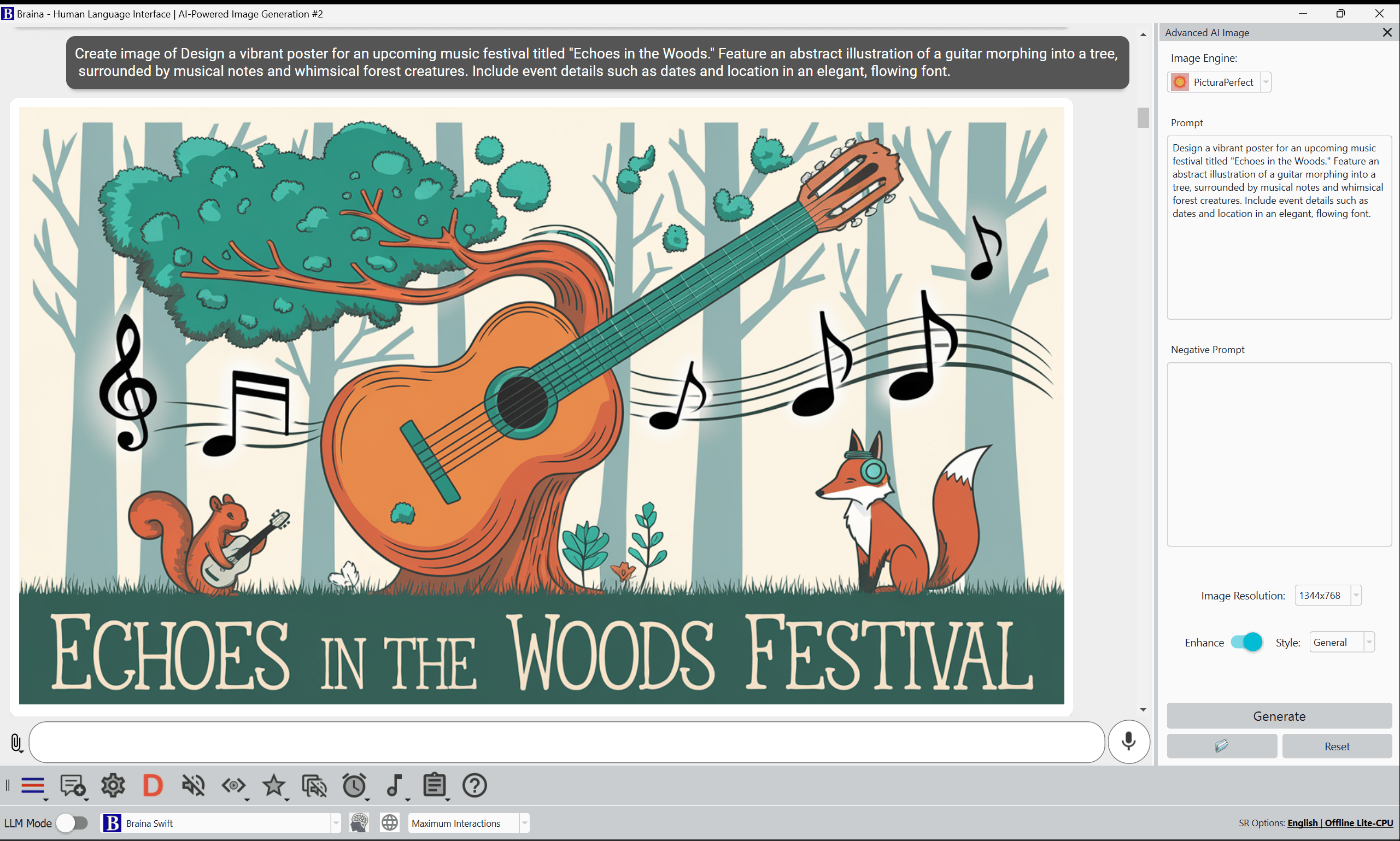
Some sample text to image prompts with generated images are provided below. All the images are generated using PicturaPerfect advanced AI image engine which is currently the best image generation engine.
feed
Text within Images

Usage Quota
When you sign up with Braina (Pro or Lite), you will get some free advanced AI credits. These credits are utilized when you use advanced AI image feature. You can check your remaining quota here: https://braina.me/quotas/
Disclaimer: Generative models may occasionally generate incorrect or inappropriate images. Users under 18 years of age must use this feature under parental supervision.Download for Windows PC